
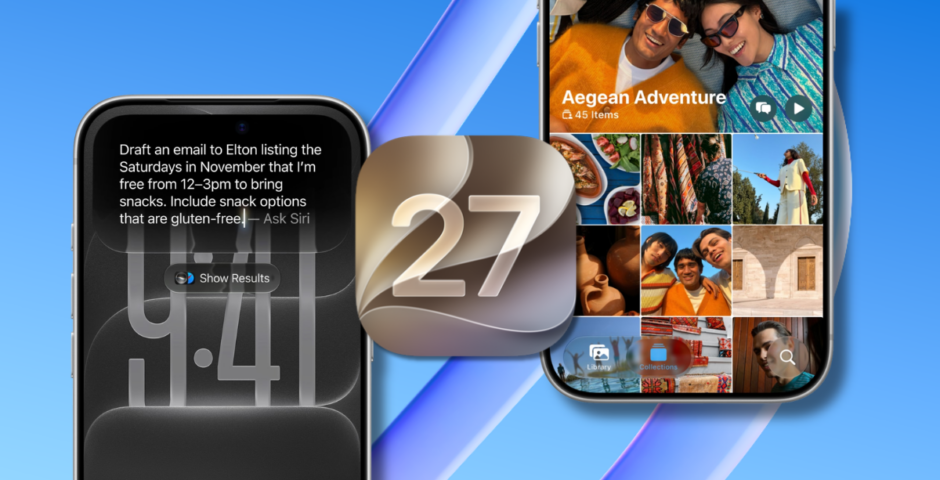
It’s actually good! All the best and quite honestly life changing new features in the iOS 27 update
Well done Apple, for once
Apple has just unveiled its iOS 27 update, which comes with a bunch of new features and things you can now do. Usually, iOS updates divide us all (I’m looking at you, Liquid Glass), but with this one, the features seem to have all been met well.
There are a whole host of improvements, new apps, new changes to existing features, and various other things going on in the update. So, here’s a rundown of the ones that have got people talking, for once, for all the right reasons.

via Apple
Siri AI
Siri has had a huge glow-up as part of the new update. Apple has said the updates will make Siri “more capable”. Siri has an all-new look, and there’s now a dedicated Siri app, where you can pick up old conversations and questions. ChatGPT, who?
As well as this, Siri can now summarise pictures and links for you. For example, you can ask “Where was this photo taken?” or “Summarise this article link” without any manual typing.
Siri is in the camera app, giving you a more direct way to start a visual search, a bit like how Google Lens works. A very fun use of Siri being there, is you can point Siri at a bill with your camera, and it will divide the amount up for you.
Liquid Glass has been improved
via Apple
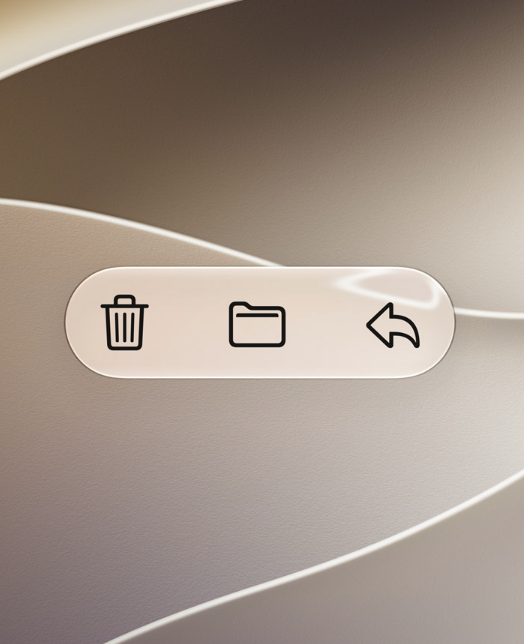
After the last update, Liquid Glass divided us all with whether we loved it or hated it. Now, Apple has said it’s given this some updating, and it will now be easier to read, with sharper icons. There’s also now a new slider in your settings, for you to personally set the intensity of Liquid Glass.
Apple explained: “Updates to Liquid Glass ensure exceptional readability with more uniform refraction and improved contrast. App icons are sharper and more detailed. And a new slider lets you easily customise how Liquid Glass looks, from ultra‑clear to fully tinted.”
Spacial reframing
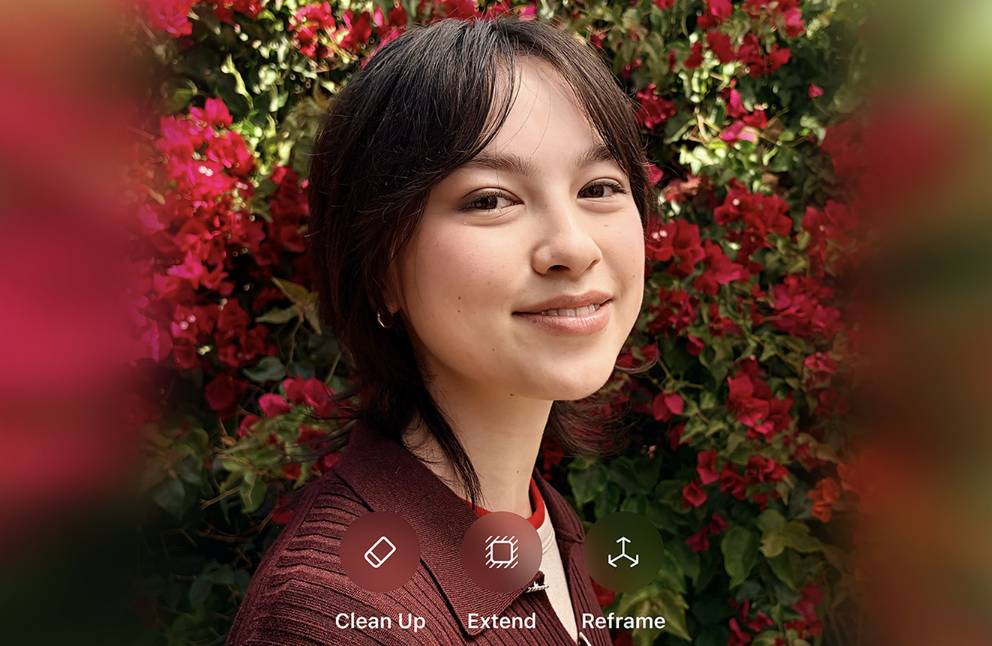
This new feature can fix poorly framed or cropped photos. In the photos app, it “outpaints” your photo, expanding the canvas for you. Honestly, this is going to up the game so much.



via Apple
Total freedom with icon placements
Gone are the days of having to have your apps appear rigidly on your phone. You can now place your app icons and widgets anywhere along the side, top, bottom of the screen, and have gaps wherever you want to.
Safari is cleaner, and better
Safari has seen a couple of major changes. Firstly, you will now be able to organise your Safari tabs into categories, to give them a bit more structure, if you’re the sort of person who has loads of tabs open.
Safari also now lets you send “notify me” live tracker flags, so you can be notified when things change on a website. Safari will monitor the page, and let you know when something changes on it. Your favourite item on ASOS just went into the sale? Notification!
Easier shortcuts
via Apple
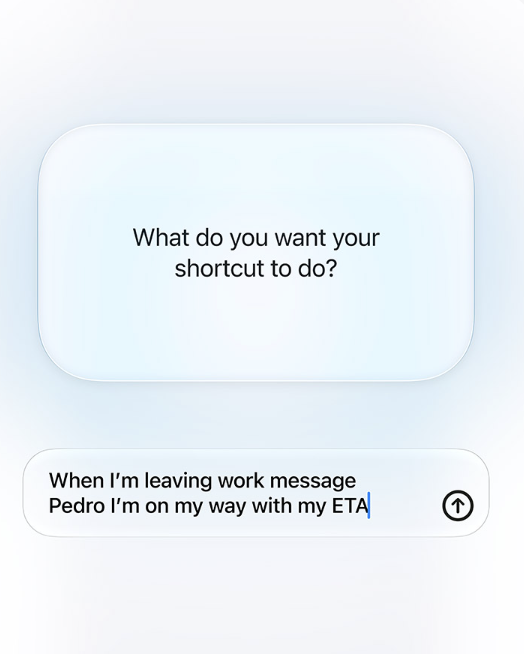
Making shortcuts within the Shortcuts app is finally being made more simple. You can now just type what you want, and the app will make a shortcut for that. For example, when you leave work, you could set up a shortcut that tells a contact your ETA.
You just tell the app to set up a shortcut along the lines of: “When I leave work, text X that I’ve left and let them know my ETA”. The app will use location services, and do the rest for you.
In-app drawing canvas
One of the new features in the iOS 27 update is an in-app drawing canvas. If you press the plus sign in an active Messages thread, you can throw up a drawing canvas, you know, for… sending a sketch and stuff.
For more like this, like The Tab on Facebook.

Latest

The most successful versions of Love Is Blind, ranked by how many couples get married

Barely anyone from Love Is Blind: Netherlands made it
Michaella is ‘rewriting’ her ‘type’ and her approach to dating men after Love Is Blind
She questioned, ‘Is this never going to happen for me?”
Halloween from home: Your guide to a spooky night-in at Lancaster

For those of us who want a quieter, cosier evening

Underused Lancashire park and ride services could be scrapped
Current use of the park and ride sites is ‘well below capacity’, according to Lancashire County Council

Four times ‘detective’ Michael Sheen was totally spot on with his Celebrity Traitors theories

He secretly hunted the Traitors down one by one

Hear me out: All three Traitors could’ve won if Kenny used his double vote smartly

It would have stopped James outing himself, and got rid of Michael

James Acaster’s original reason for joining Celebrity Traitors is painfully ironic now

He was desperate to join
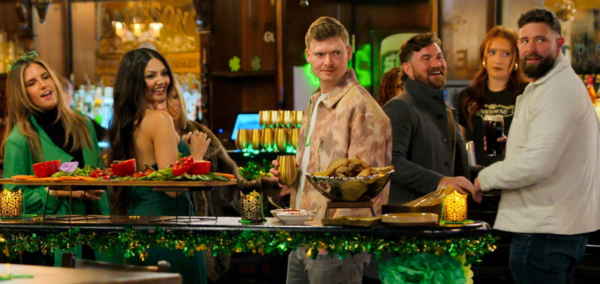
Revealed: The three richest cast members from Love Is Blind season 11 and their net worths

I’m really trying not to be jealous
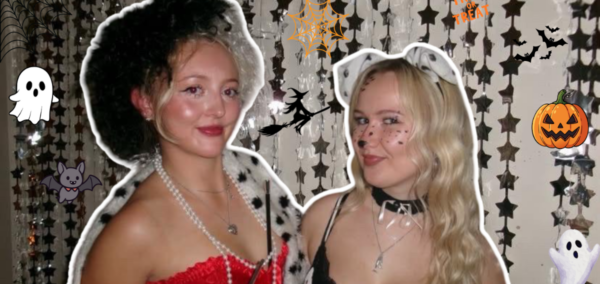
10 niche Halloween costumes that’ll stand out in Concert Square

Left your costume until the very last minute? Same.

Our predictions for the trendiest Halloween costumes in Sheffield

Costumes we expect to see all over West Street this weekend from the fashionista, the film buff and the lovers of the classics

Two things James Acaster said in his ‘I’m a Traitor’ speech trashed Maya and Kenny’s chances
He might as well have pointed at them

Light Up Lancaster set to return to city with new after-dark activities
The popular light trail will take place on 5th-7th November around the city centre
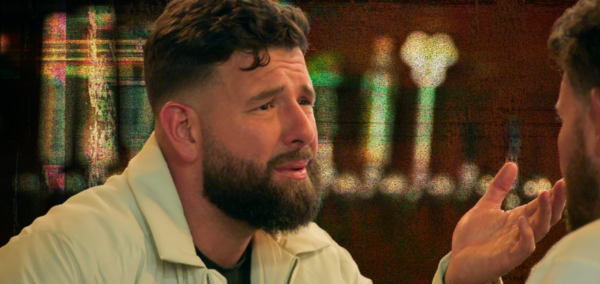
Dear Love Is Blind: Your relentless casting of terrible men is making women the butt of the joke
I’m not angry anymore, just disappointed
‘My body hurts. My arms hurt’: Christa Pike breaks silence with lengthy statement after lethal injection
‘I hadn’t contemplated life beyond that night, I’m deeply hurt’

I know where it went wrong with American Horror Story, and it’s all about Ryan Murphy’s ‘type’
AHS season 13 is over (thank God)
UoN staff continue strike action dressed in Halloween costumes amid restructuring approval

Staff are responding to the approval of the university’s plans for staff and department cuts
How are you supposed to get a house? Advice from a third year

After all it’s easier to get a first then get a uni house
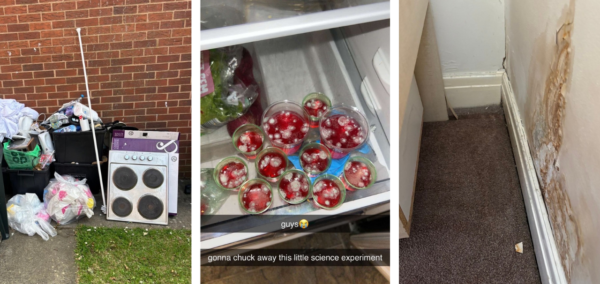
I think I’m gonna die in this house: York Uni house horror stories

Haunted houses aren’t just for Halloween.

James Acaster broke the Celebrity Traitors rules for a second time and nobody noticed
Outing himself as a Traitor wasn’t his only violation
‘Who cares if I’m pretty if I fail my finals?’: Re-imagining Gilmore Girls characters as Newcastle students

It’s autumn, which means the annual rewatch is here