
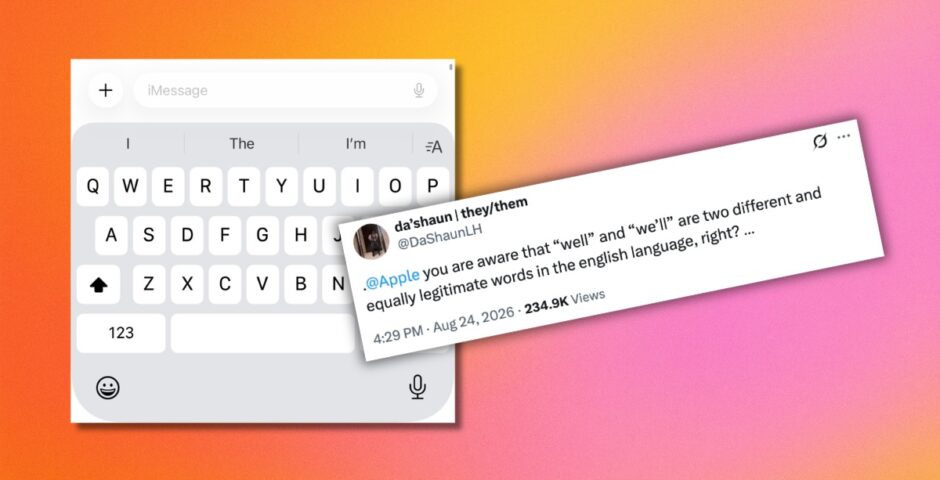
It’s infuriating, so here’s how to stop your iPhone keyboard autocorrecting ‘we’ll to ‘well’
It drives me mad

If your iPhone keyboard always autocorrects to “well” when you want to type “we’ll” – you’re not the only one. It’s an infuriating mistake that happens to so many people, and thankfully there’s a way to fix it.
People on Twitter are all bonding over their shared frustration this week after because it turns out, loads of people experience exactly the same Apple error.
“I legit turned off autocorrect cuz this specific problem was pissing me off so bad,” one person said. Another agreed: “Lord I hate that f**king keyboard with every fibre of my being.”
I legit turned off autocorrect cuz this specific problem was pissing me off so bad
— Delta Slim (@JZW__) August 24, 2026
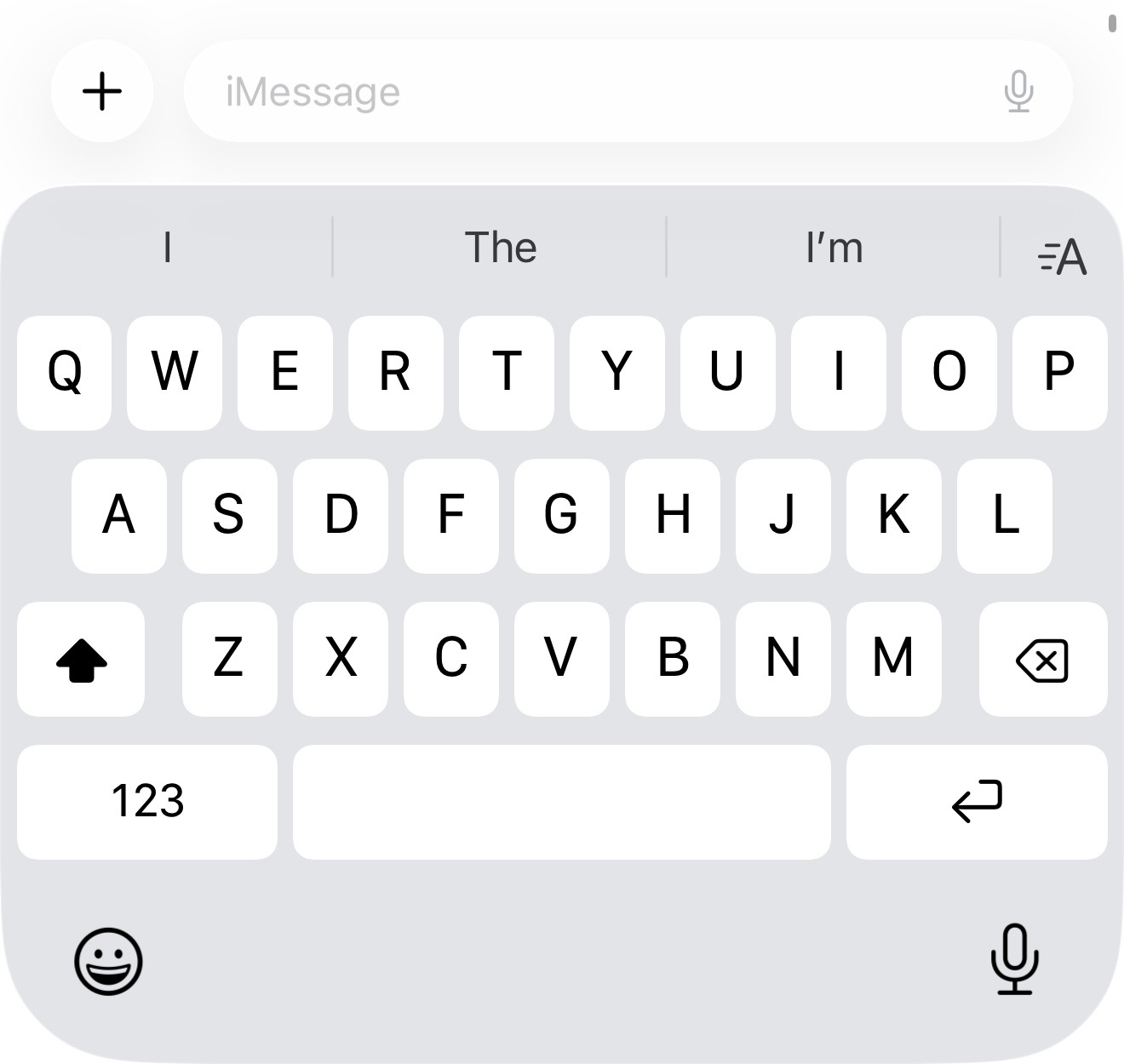
You’ll be trying to write a simple message like “We’ll meet at 6pm” and it autocorrects to the word “well” instead, and it happens every single time.
It literally leaves you wanting to throw your phone across the room, because it’s practically impossible to get the keyboard to change it back.
Oh, and the worst part is it’s not just those two either. It happens with all sorts of apostrophe words like “ill” and “I’ll,” “were” and “we’re” and “hell” and “he’ll”.
Apple’s autocorrect software basically tries to guess the grammar of your sentence using the words you’ve already typed, and often makes mistakes. Your phone also learns from your past typing habits, so if it previously made the mistake, it repeats that pattern.
Credit: Apple
Here’s how to stop your iPhone keyboard autocorrecting ‘we’ll’ to ‘well’
To stop it from happening, all you need to do is make a keyboard shortcut, which will force the autocorrect to always recognise “well” and “we’ll” as separate words.
- Go to “Settings”
- Scroll down to “General”
- Tap “Keyboard”
- Choose “Text Replacement”
- Tap the “+” icon
- Set both the “Phrase” and “Shortcut” to “well” or “we’ll”
You should also reset your keyboard by going to Settings > General > Transfer or Reset iPhone > Reset > Reset Keyboard Dictionary. And if autocorrect is still annoing you, you can just switch it off by going to Settings > General > Keyboard> Toggle Auto-Correction off.
For more like this, like The Tab on Facebook.
Featured image credit: Twitter
Latest
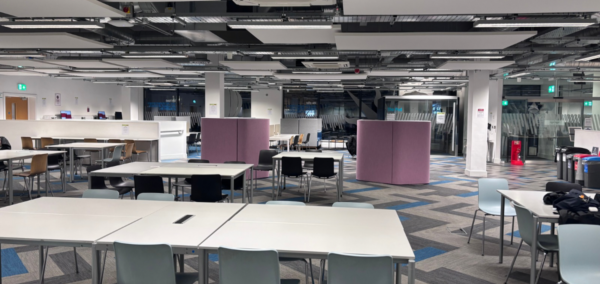
University of Bristol plans new security doors at Beacon House

New security gates are to be put up in Beacon House study centre
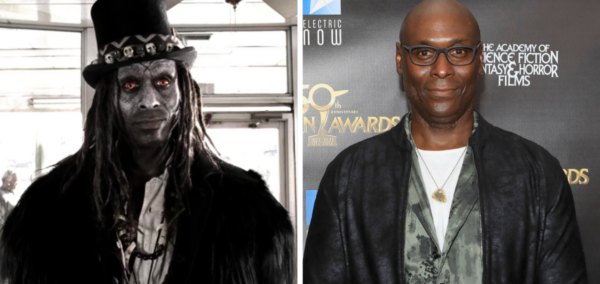
People are torn about American Horror Story replacing Papa Legba’s actor, despite the tragedy

The new actor has spoken out
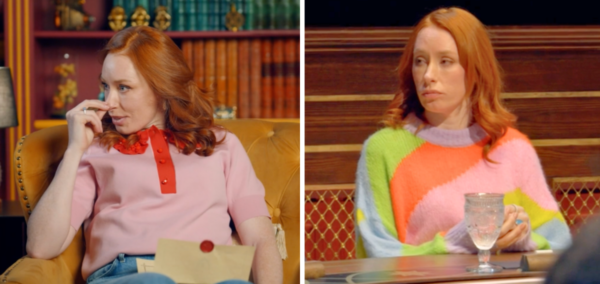
Professor Hannah Fry’s pink jumpers from The Celebrity Traitors are almost affordable

Two of her knitwear pieces are from the same shop

Fancy celebrating Oktoberfest? Here are the five best spots in Manchester

The good news is you don’t need to travel all the way to Munich get stuck in with the festivities
Meet Alexandra, founder of LEX. – Newcastle’s answer to Mayfair after dark

Girls just want to have fun (club edition)

New report from University of York exposes hidden poverty in city

The University of York’s Cost of Living Research Group uncovers modern-day deprivation and inequality in the city
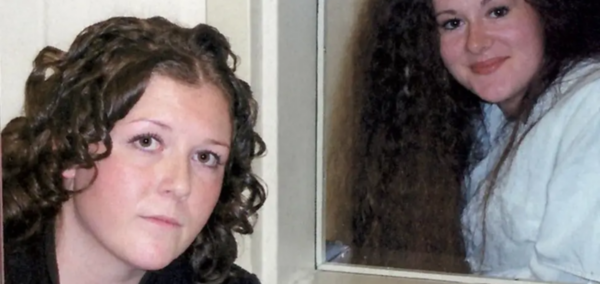
I interviewed Christa Pike 20 years ago, and meeting her will stick with me forever

‘She knows she wasted her life’
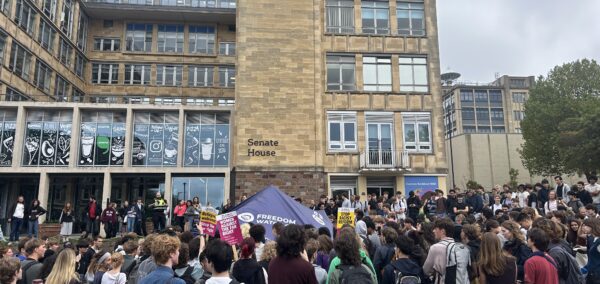
Far-right commentator driven off campus after clash with protesters

Students protested the presence of Montgomery Toms outside a University of Bristol study centre

We were barely born when Madeleine McCann went missing, so why can’t Gen-Z stop thinking about her?
‘Someone the same age as you never got to enjoy life as you have’
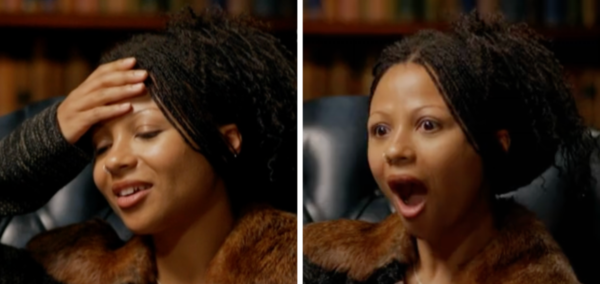
‘Am I gonna cry?’: Myha’la just found out who the Traitors are after being brutally banished
In the clip, Myha’la goes through so many emotions
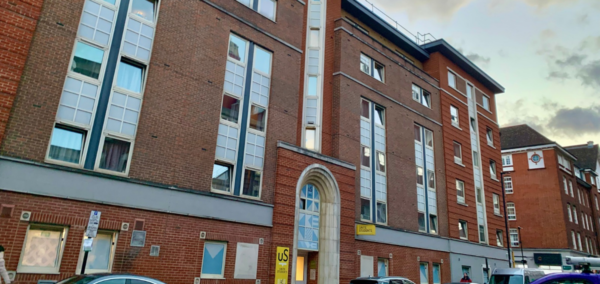
Unite cuts the rent of some student accommodation, including in Nottingham and Sheffield
Unite struggled to fill rooms in some halls

Non-profit Enough distributes self-swap DNA kits at unis, but some students are concerned
Police warned ‘these kits can create false expectations’

Banished Celebrity Traitor Richard E Grant reacts to James and Maya’s roundtable betrayal
The Traitors did not stick together
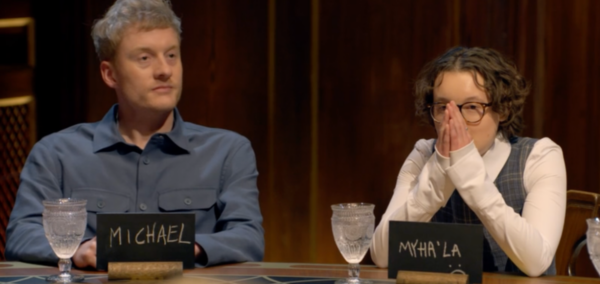

Looking for a cheap night out in Manchester – here are the best spots the city has to offer

Happy hour spots for when your bank balance is low but a night out is much needed
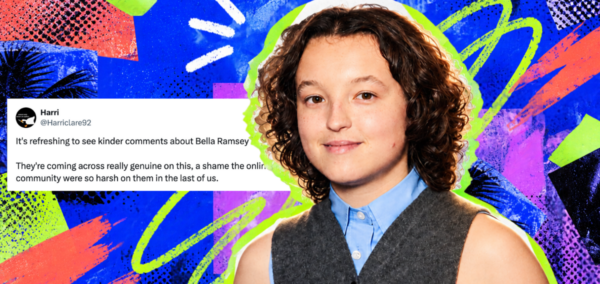
Bella Ramsey on Celebrity Traitors made me nervous as a queer person, but then came Ross Kemp
They’re already shaping up to be a weapon at the roundtable


Lancaster city centre record store and coffee shop announces its closure
The business owners are ‘passionate about the local music scene’

The Celebrity Traitors rich list: The most loaded celebs to appear on the show, across both series
Some of them probs live in castles already

Yes Celebrity Traitor Richard E Grant is kooky, but the range of his roles already proved that
Turns out I’ve been watching Richard for years and didn’t realise it