It’s actually a bit scary, so here’s how to turn off Meta AI’s Muse Image feature on Instagram
Who asked for this?

If you’ve just found out Meta AI can use public Instagram photos to generate AI images, you’re probably creeped out, but thankfully, you can easily turn it off and here’s how to.
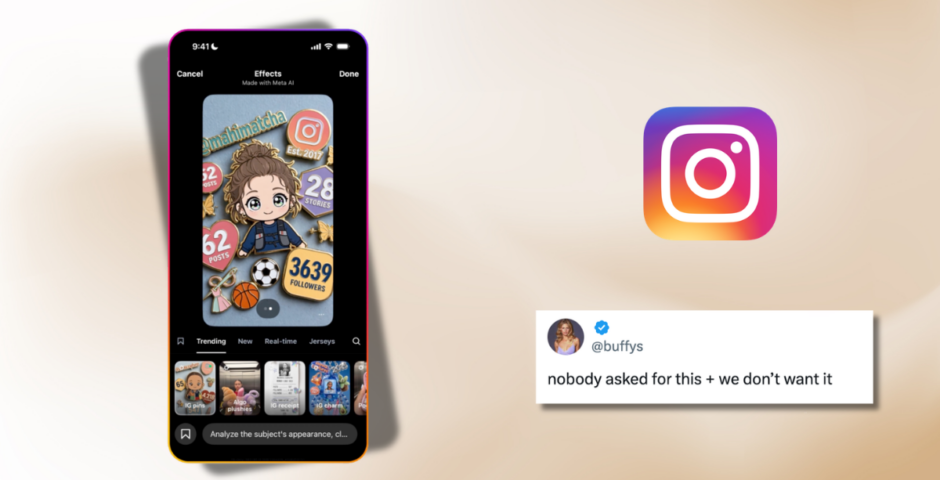
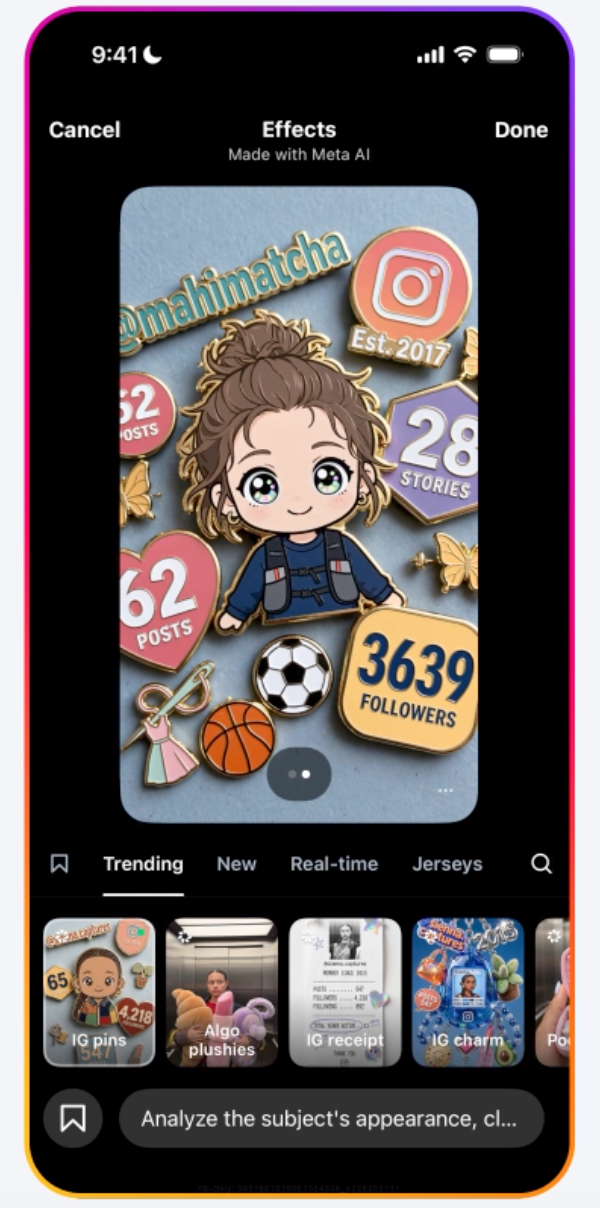
Earlier this week, Meta launched Muse Image, a new AI image generator that’s available in the Meta AI app, WhatsApp and Instagram stories. Basically, the tool lets someone @mention a public Instagram account while creating an AI image. Meta AI can then use that account’s public photos to build a visual that’s ready to post.
If your account is private, though, you don’t actually need to worry. Meta says the feature only works with public photos, so private accounts aren’t included.
But there were several privacy concerns. Public Citizen’s director of federal AI governance and technology policy, J.B. Branch, said, “Meta has once again chosen the creepiest possible path. People should not wake up to discover their face has become raw material for someone else’s AI experiment.”
Following concerns about the feature, Meta shared a statement saying, “We built this feature with strong controls and safety guardrails from day one. Private accounts that are under 18 are automatically excluded and adults with public accounts can opt out with easy-to-use controls. We’ll take action against any content that violates our rules.”
So, if your profile is public and you’d rather your photos weren’t used this way, here’s how to switch it off.
Here’s how to turn off Muse Image on Instagram
via Meta
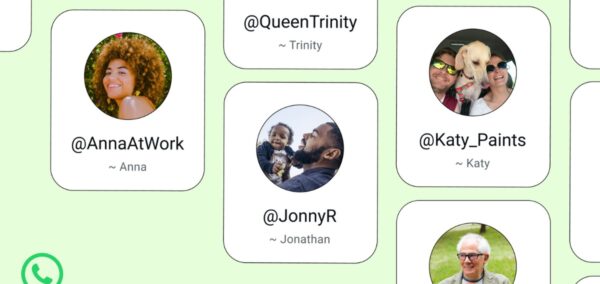
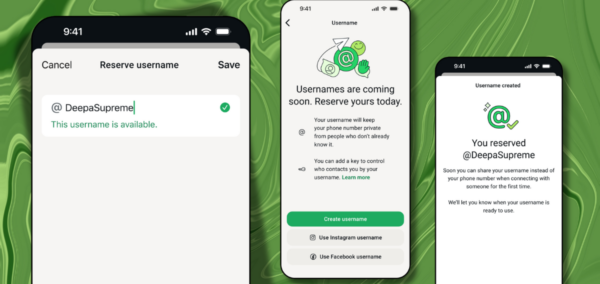
It’s actually really easy:
- Open Instagram.
- Head to your Profile.
- Tap the three-line menu in the top-right corner.
- Go to Sharing and Reuse.
- Scroll down to “Allow people to reuse your content on Instagram and with AI features at Meta.”
- Turn the setting off.
That’s literally it.
So, if your Instagram account is public and the whole thing feels a bit unsettling, it only takes a few taps to opt out and stop your public photos from being used with Muse Image.
Stay safe!
For more like this – like The Tab on Facebook.
Latest

University of Bristol plans new security doors at Beacon House

New security gates are to be put up in Beacon House study centre
People are torn about American Horror Story replacing Papa Legba’s actor, despite the tragedy

The new actor has spoken out
Professor Hannah Fry’s pink jumpers from The Celebrity Traitors are almost affordable

Two of her knitwear pieces are from the same shop

Fancy celebrating Oktoberfest? Here are the five best spots in Manchester

The good news is you don’t need to travel all the way to Munich get stuck in with the festivities
Meet Alexandra, founder of LEX. – Newcastle’s answer to Mayfair after dark

Girls just want to have fun (club edition)
New report from University of York exposes hidden poverty in city

The University of York’s Cost of Living Research Group uncovers modern-day deprivation and inequality in the city
I interviewed Christa Pike 20 years ago, and meeting her will stick with me forever

‘She knows she wasted her life’
Far-right commentator driven off campus after clash with protesters

Students protested the presence of Montgomery Toms outside a University of Bristol study centre

We were barely born when Madeleine McCann went missing, so why can’t Gen-Z stop thinking about her?
‘Someone the same age as you never got to enjoy life as you have’

‘Am I gonna cry?’: Myha’la just found out who the Traitors are after being brutally banished
In the clip, Myha’la goes through so many emotions
Unite cuts the rent of some student accommodation, including in Nottingham and Sheffield
Unite struggled to fill rooms in some halls
Non-profit Enough distributes self-swap DNA kits at unis, but some students are concerned
Police warned ‘these kits can create false expectations’
Banished Celebrity Traitor Richard E Grant reacts to James and Maya’s roundtable betrayal
The Traitors did not stick together

Looking for a cheap night out in Manchester – here are the best spots the city has to offer

Happy hour spots for when your bank balance is low but a night out is much needed
Bella Ramsey on Celebrity Traitors made me nervous as a queer person, but then came Ross Kemp
They’re already shaping up to be a weapon at the roundtable
Lancaster city centre record store and coffee shop announces its closure
The business owners are ‘passionate about the local music scene’

The Celebrity Traitors rich list: The most loaded celebs to appear on the show, across both series
Some of them probs live in castles already
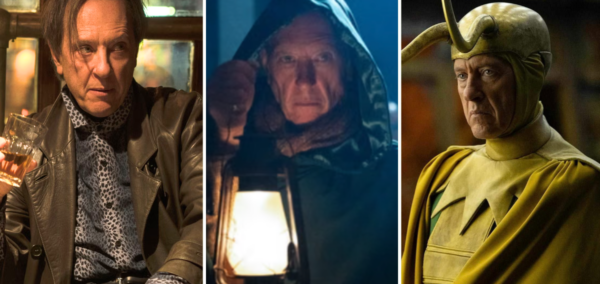
Yes Celebrity Traitor Richard E Grant is kooky, but the range of his roles already proved that
Turns out I’ve been watching Richard for years and didn’t realise it