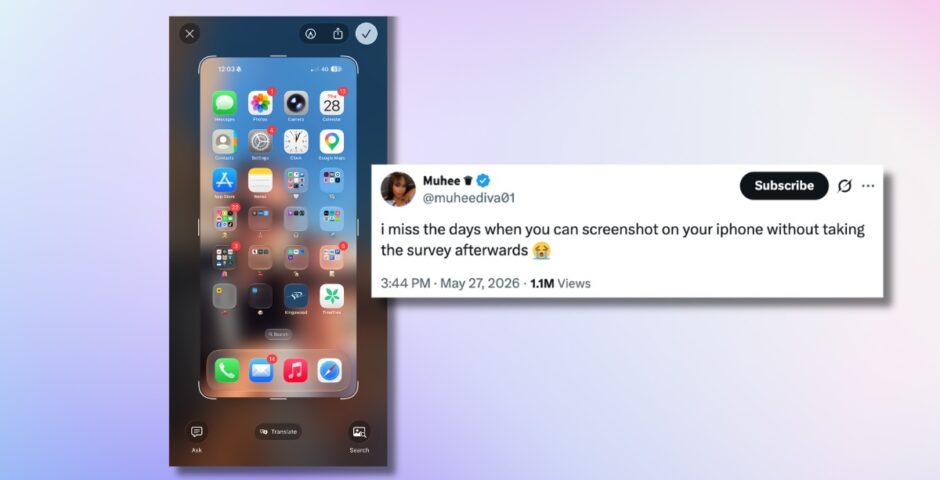
I just found out you can turn off that annoying iPhone screenshot preview, so here’s how
You have to jump through so many hoops just to take a screenshot
If you’ve downloaded the latest iOS update on your iPhone, you’ll have that really annoying thing where you have to jump through a million hoops just to take a screenshot. But guys, you can turn it off! I had no idea.
You used to just press the two buttons on the side of your iPhone simultaneously, and it would take a screenshot. Then, the photo would save to your camera roll and that would be it. Wow, life was so simple back then.
Now, you have to practically fill out a whole survey just to take a screenshot. You press the two buttons and the screenshot appears in a weird frame, surrounded by so many different options, and nobody has any idea what they mean.
i miss the days when you can screenshot on your iphone without taking the survey afterwards 😭
— 𝗠𝘂𝗵𝗲𝗲 ♛ (@muheediva01) May 27, 2026
You can crop the screenshot, ask Siri something about it, Google search it, share to your contacts and even draw on the photo, all before you’ve even saved the photo.
Unless you actually click on the tick in the top right-hand corner and press “save to photos,” the image doesn’t even save. And it really is a whole headache.
After months of enduring this pain, I just found out you can switch it off, and my life has been changed forever. Here’s exactly how to do it.
Here’s how to turn off that annoying screenshot preview on your iPhone
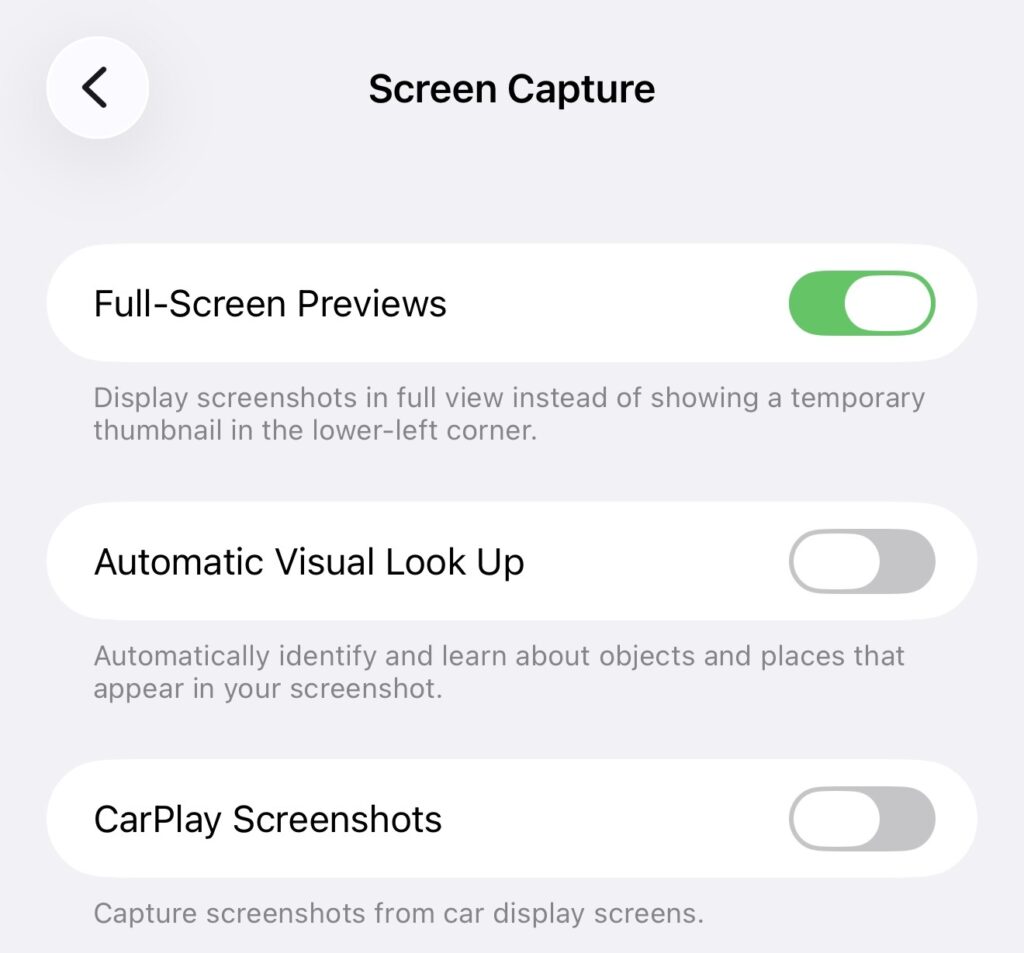
All you have to do is open your iPhone settings and click on “General”. Then, scroll down to “Screen Capture” and toggle off the “Full-Screen Previews” option. “Display screenshots in full view instead of showing a temporary thumbnail in the lower-left corner,” it says underneath.
Credit: Apple
Now your screenshots will be back to normal. It’s really that simple! I wish I knew this months ago.
For more like this – like The Tab on Facebook.
Featured image credit: Canva
Latest

A weapon in the Lizzie Borden case was never found, and it might not have even been an axe

Many different theories were investigated
Lizzie Borden wasn’t right for Monster, and the ‘female rage’ reason they chose her makes it worse

There was so much wrong with it

The full Celebrity Traitors 2026 episode schedule as day change is confirmed
Don’t get caught out when it returns this week
Ryan Murphy picks his favourite American Horror Story season, and it’s a controversial choice

It’s Sarah Paulson’s least favourite
Why the Love Island 2026 Islanders are suddenly posting ‘tart’ on all of Lorenzo’s posts
People think it’s a divide
Former Newcastle student raped in Freshers’ Week speaks out on potential dangers

“I didn’t know what had happened to me… I came home and was very confused”

The 20 easiest UK universities to get into, based on accepted students’ grades

University of Roehampton students have a D and two Cs on average
Here’s what joining these Cardiff Uni societies says about you

Things you need to know before joining a new society
A favourite from the Love Island 2026 cast is getting an All Stars return
A second chance is well deserved

Right, it’s time to lock in: Here are 10 things every Cardiff Uni final year needs to know

It’s never too late to make this year the best one yet

Charli XCX’s viral VMAs reaction wasn’t about Taylor Swift, so here’s what actually happened
They’ve been surrounded by rumours for years
University sued over alleged fraternity gang sexual assault and punishing accused with essays
The members discussed the attack over Snapchat
Here’s what TV show your Cardiff Uni accommodation would feature in

Everyone’s favourite show is finally back for another season
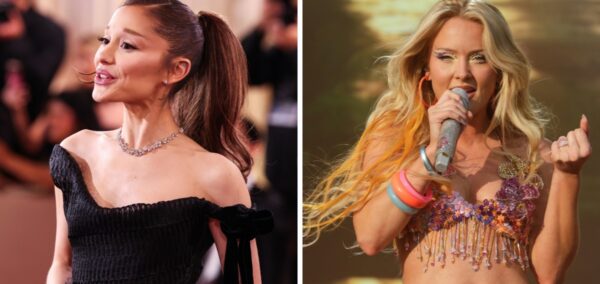
The major celebs who skipped the VMAs 2026 and why, despite having multiple nominations
Ariana Grande was nominated eight times but didn’t attend

All the advice freshers need to survive first year: Love, Cardiff Uni students who survived

From YOLO to locking in, here’s all you need
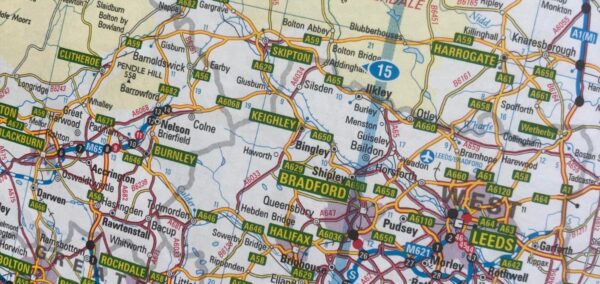

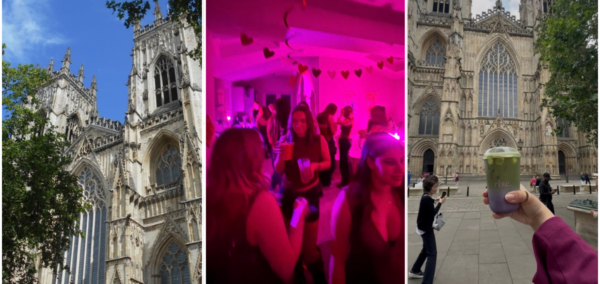
The ultimate Uni of York guide: New year, new advice
Here’s everything you need to know before the academic year at the University of York