

Awful at shooting in GTA VI? Changing the settings will make you a glorified assassin
This is for all the aimless players out there
Whether you’re a longtime GTA player or someone pretending to be because of FOMO, getting a handle on the shooting mechanics in GTA 6 can be a lesson in patience.
In GTA V, shooting people was almost too easy. The gun auto-locked on targets as soon as it was aimed, which meant knocking off enemies was as easy as changing your outfit. Well, that’s mostly gone in GTA 6, and you have to rely on the combination of your own aiming skills and focus mode, which slows down the world around you.
It’s normal for gamers to fiddle with the settings in a new game, and they’ve already revealed the best shooting settings to make you a master at killing – or not killing, if you’re playing it safe.
Change these settings to make shooting easier in GTA VI
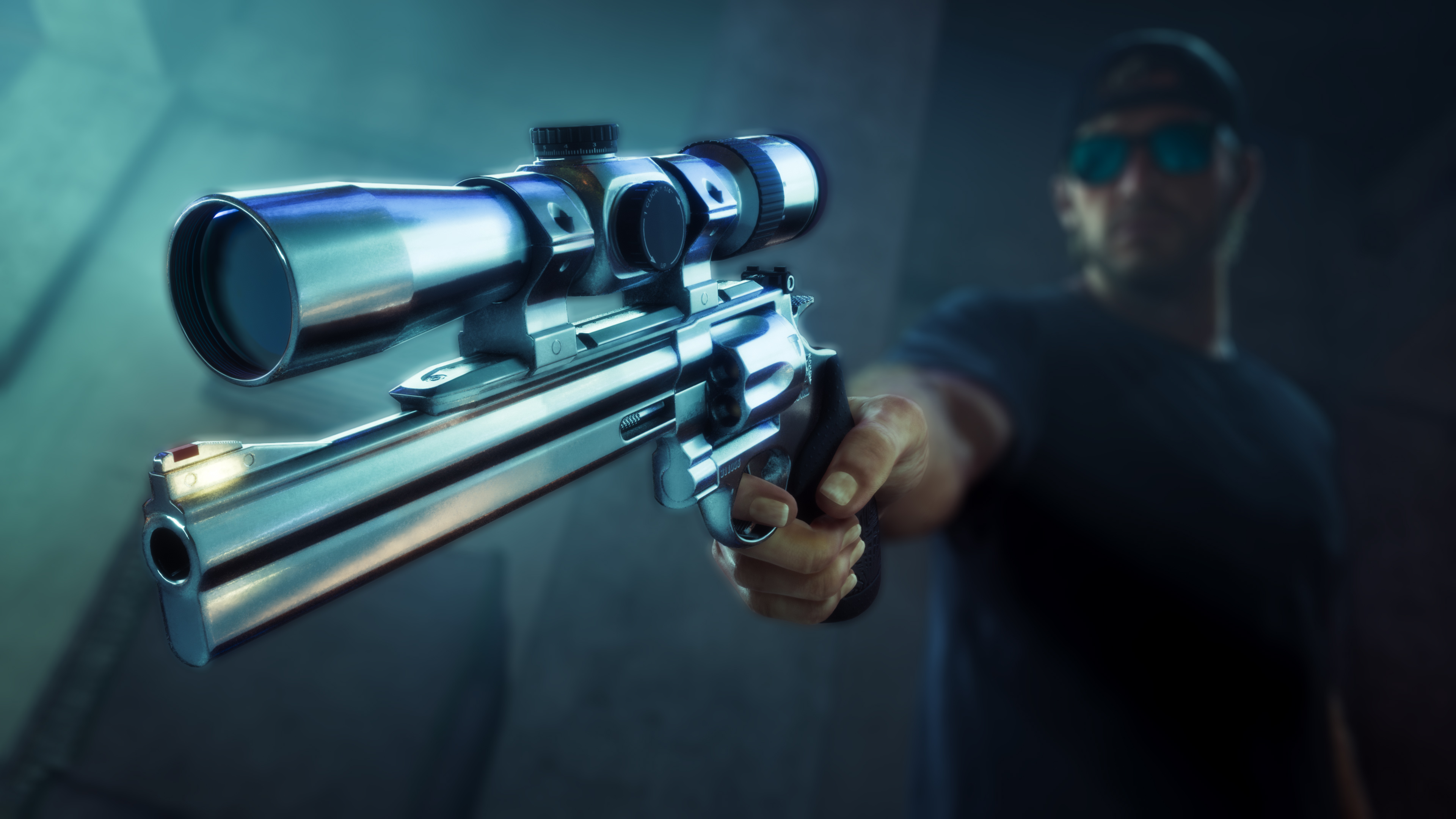
Credit: Rockstar
Finding the right settings in any game is no easy task, because for the most part, everyone plays a game differently. Though I’d urge you to fiddle with them yourself, trying out these settings could make a major difference to your playstyle.
There are three possible lock-on targeting options in GTA VI’s settings, and they will massively affect your playstyle. If you’re new, or just awful at aiming, then putting it on “Lock-on” will certainly help. Partial lets your gun move towards enemies, but you still have control, and free aim is exactly what it says on the tin.
Reducing your aim sensitivity could also be a good shout, because that’s why your crosshair shoots in all directions at the slightest movement. To start, put the sensitivities around the middle and go from there. You can always adjust to fit your individual needs.
In a similar vein, aim acceleration is how quickly the camera responds when you move the joystick to aim. If it feels uncontrollable, perhaps lower it, but around a 4 is a good place to start.


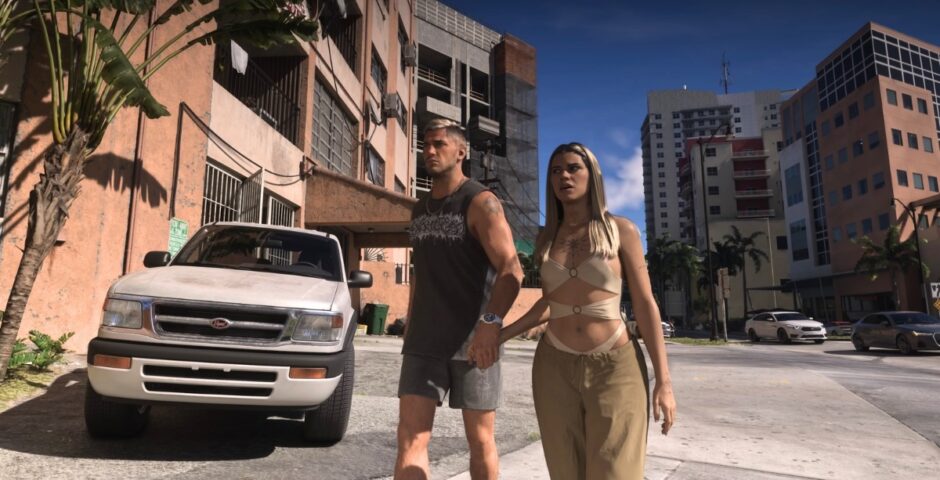
The same goes for the response curve:
- Standard for balanced aiming
- Linear for consistent, predictable movement
- Precision for accurate headshots and aiming
- Aggressive for fast reactions and aggressive shooting
Sometimes, it’s not actually your poor aiming that’s the issue; it’s the reticle. If you find yourself squinting to see where you’re aiming, it could be time to have a play with the settings again. You can change the reticle size, shape, colour, and even adjust hit markers.
Finally, the one that made the biggest difference to my gameplay: Weapon sway. In real life, our bodies naturally move as we’re aiming, so Rockstar transferred that into the game. It makes playthroughs very realistic at the expense of being very annoying. Again, experiment with the sway to see what works for you.
Good luck on your next shootout with the police!
For more like this, like The Tab on Facebook.
Featured image credit: Rockstar

Latest

King’s College London reported a student to counter terrorism over pro-Palestine essay

The student was told to write two reflective essays over her protest activity

Awful at shooting in GTA VI? Changing the settings will make you a glorified assassin

This is for all the aimless players out there

Here’s how each Lancaster college would fare in The Hunger Games
Sorry in advance for killing most of them off

The perfect guide to celebrating Christmas with your Lancs uni flatmates
Everything you need to know about making the most of Flatmas

Cardiff University face REF challenge from ex-professor who was denied emeritus status
James Whitely had worked at the university for 35 years but did not receive an emeritus title

The full GTA 6 Chapter 5 mission list and how long it will take to complete

Don’t worry, it’s totally spoiler free

Report exposes the university subjects students are getting more firsts in than a decade ago

Coursework-heavy degrees have seen a bigger rise in grades
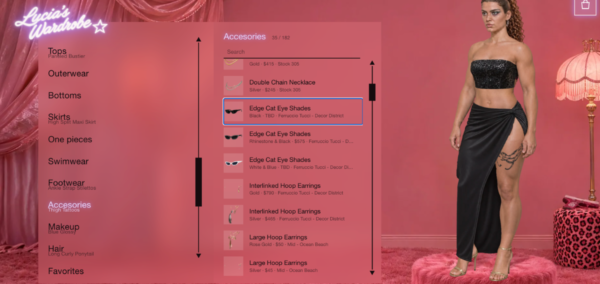
There’s an addictive website where you can plan outfits for Jason and Lucia in GTA VI
It’s giving Alicia Silverstone’s closet app in Clueless

Making the most of winter: The Sheffield Tab’s guide to curing the winter scaries
It’s winter now: It gets dark early, it’s absolutely freezing and you may feel less okay about life. And that’s okay

37 helpful GTA 6 tips I wish I knew from the start – and you will too
I had no idea some of them existed

The 15 hidden GTA 6 controls and fun hacks you probably had no idea were even a thing

Some of these are life changing

How much I’m A Celeb costs to make in total, and why it’s more profitable then ever
Less people watch, but ITV is making more money

Ant and Dec’s infuriating reaction to Mariella Frostrup’s ‘micro-aggressions’ is so out of touch
It ‘became ‘a much bigger deal than it should have done’

From bed to lecture: Here’s a guide on how to survive a 9am at King’s
Take this as a sign that getting through that 9am isn’t as treacherous as it seems

One season of Love Is Blind resulted in two lawsuits that nobody is talking about
They’ve got nothing to do with the lawsuit involving multiple cast and crew members

Three super-special Cambridge date ideas for every season

Whether you prefer a slow relaxed evening or an exciting new experience, this guide provides a range of romantic date ideas for every couple

Specific decisions you make in GTA VI have consequences for the story… and the ending
Need to get Jason and Lucia that happy ending

The five UK cities with the fastest-growing job markets have been revealed and London isn’t one
They’re becoming major career hotspots