

How to make driving easier in the GTA 6 settings, because the steering is so annoying
My car is constantly wrecked

GTA 6 is as good as everyone hoped it would be after a 13-year wait, but there’s one thing people are moaning about: The driving.
The driving controls are so sensitive that it’s ridiculously easy to oversteer and crash into everything in sight. My car is literally wrecked 24/7. It feels like you’re driving on ice.
Everyone’s complaining online, with one person writing: “The vehicle driving mechanics on this game are fu*ked. Car all over the place at the slightest nudge.”
“Driving in GTA 6 is seriously broken. I’ve played 40 hours and I still find it difficult to drive. Touch a kerb and the car flips. Every car feels like it’s sliding on ice, and at 30 FPS every fast turn turns into a blurry mess,” someone else said.
Thankfully, there is a way to make it better, but it does come at a cost. Here are all the settings you need to change to make driving easier in GTA 6.

Credit: Rockstar


How to make driving easier in GTA 6
If you’re struggling to drive, you can get more control by reducing the sensitivity of your Xbox or PlayStation controller in the settings, and it’s really easy to do.
- First, navigate to the game’s settings by opening the pause menu and selecting “Settings”
- Then, go to the controller options section
- After that, find the section that says “Aim & Look Sensitivity”
- Once you’re there, turn down every bar down to around three, including: “Horizontal Look Sensitivity,” “Vertical Look Sensitivity,” “Horizontal Aim Sensitivity,” “Vertical Aim Sensitivity,” “Look Acceleration” and “Aim Acceleration”
The only issue is that this will change the sensitivity of all aspects of GTA 6, including while Jason and Lucia are on foot too. So, the entire game will feel a bit different after you’ve adjusted these settings. But it’s the price you have to pay for better driving.
For more like this, like The Tab on Facebook. Featured image credit: Rockstar

Latest
University of Cambridge student argues ‘there’s a decent chance that AI kills all of us’

He reckons the odds are above 20 per cent

Hundreds of students and activists take to the streets of London for International Youth Strike
Students across the UK and Europe protested against their governments on Friday, demanding ‘the possibility of a dignified future’


Two secret radio stations and playlists are hidden in GTA 6 – what they are and how to unlock them

You need them for 100 per cent completion
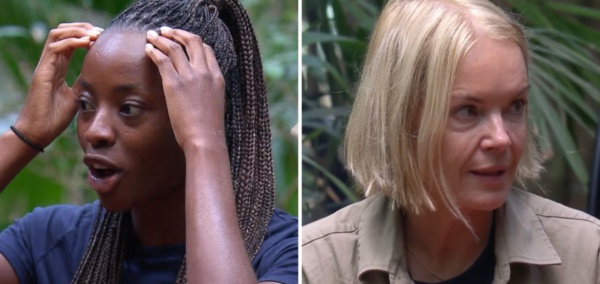
Mariella’s friends have shared more context behind her I’m A Celebrity kitchen arguments
‘There’s a lot more to her than people are seeing’

The most tiny detail in GTA 6 that took developers months and months to perfect
I can see why it took so many years

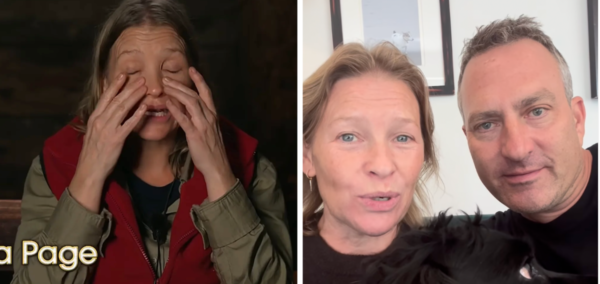
‘I was really worried’: Joanna Page’s husband shares concern as she breaks down on I’m A Celeb

Mariella Frostrup has now made two people cry
The Death of Original Thought: Is AI Stripping Creativity from Education?
Are you sacrificing original thought for convenience?


Stuck at what to by? Here’s our Christmas gift-guide for York students
Are you a York student? Here’s what you need on your Christmas list this year

Hypothermia and potential frostbite? Here’s the REAL deal about clubbing in Newcastle during winter
There’s an ironic battle between looking hot and staying warm
York University ranked top 10 for its plant-based menus
University of York has been ranked in the top 10 universities for promoting plant-based food choices at catered events

Pidge: The new app delivering grand dinners and great dates to Cambridge students

“Cambridge has a secret app,” and it strives to transform the way students connect
Bus driver strike to cause chaos over York’s festive weekend warns Union
A union has warned of “travel chaos” in York as bus drivers plan to strike over the festive period



Tab Talks: Interview with Lancaster-based author Ian Edwards
Author Ian Edwards shares his insights about becoming an author and the publication process.

Can Manchester students be stylish, sustainable and skint?
Manchester’s Good Clothes Show asks whether sustainable fashion can be student-friendly

7 Side Quests to do before Semester One Ends

Semester One is coming to an end. Here’s some ways to make the most of it!

‘Keith Lemon’ confused us, but four more of the I’m A Celeb cast don’t use their actual names
Er, Ricky Wilson is not called ‘Ricky’