
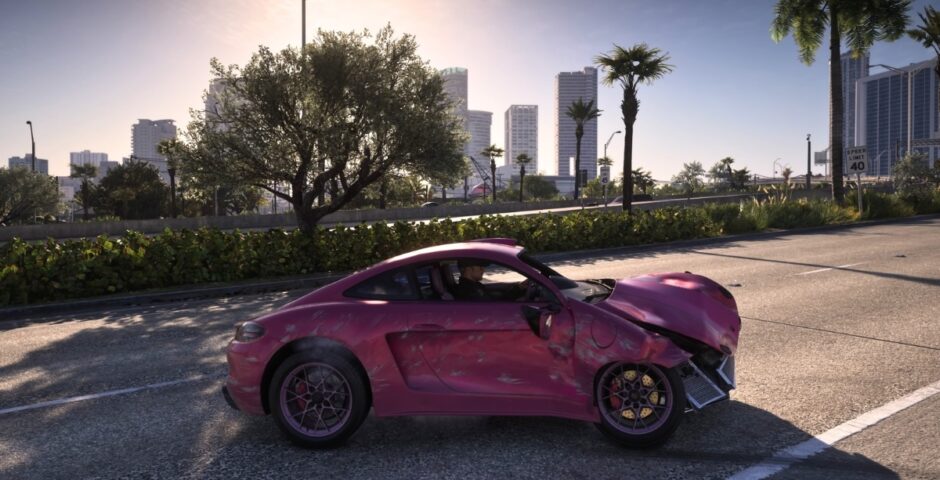
How to reduce the damage your vehicle takes in GTA 6, and save money on repairs
This is a lifesaver
If you’re spending a bomb on car repairs in GTA 6, there’s actually a setting you can change to reduce your vehicle damage. And most people have no idea. The driving is so sensitive that, honestly, it’s hard not to get a busted bumper in two seconds, and those repairs aren’t cheap. So, here’s the setting you need to switch on.
How to reduce your vehicle damage in the GTA 6 settings
To reduce the damage taken by your vehicle while driving, you first need to open the GTA 6 settings. Then, follow these instructions:
- Find the section called “Gameplay”
- Scroll down to “Reduced Vehicle Damage”
- Turn the slider to the on position
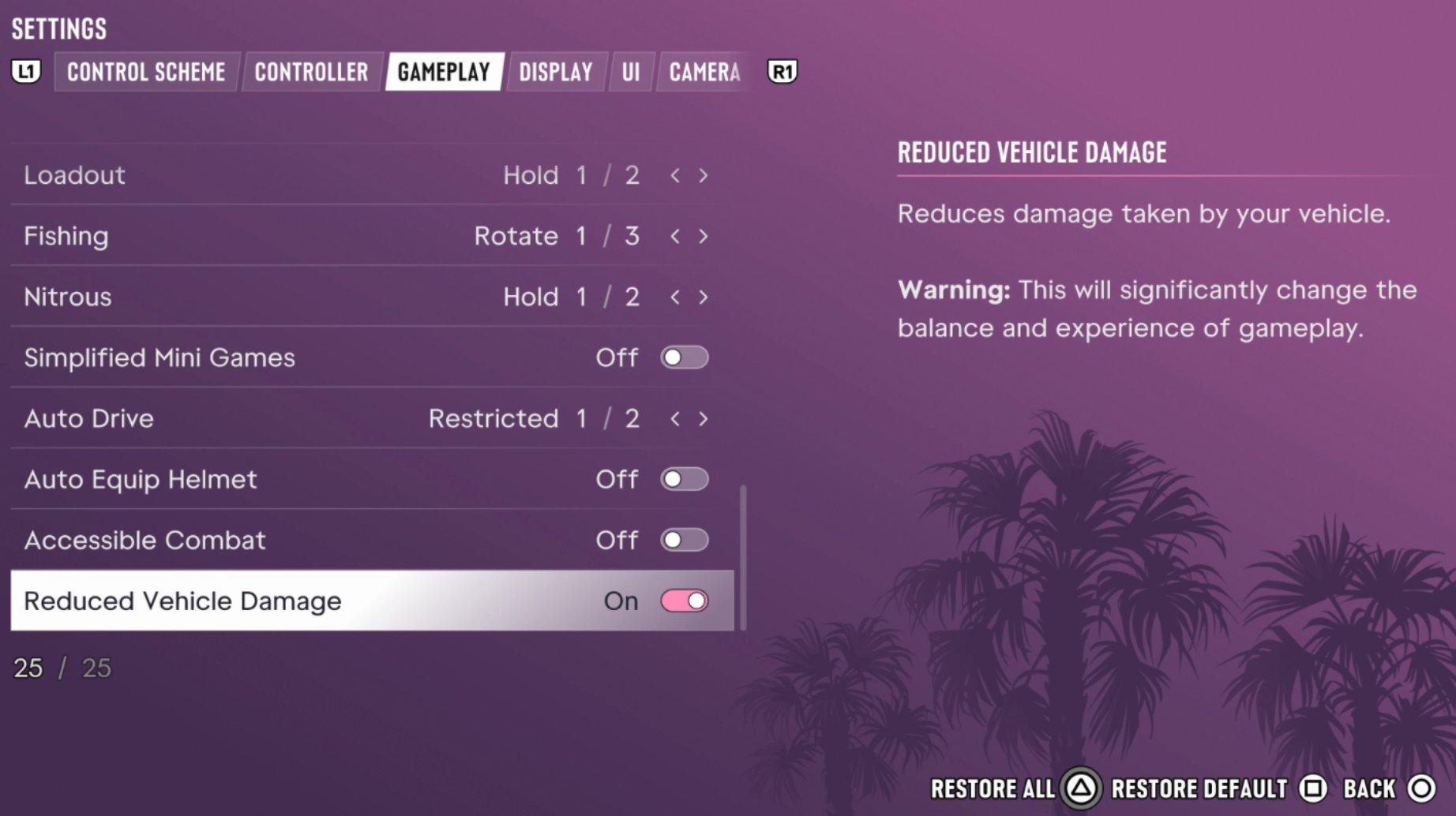
Credit: Rockstar
Turning the setting on basically lets you drive more recklessly without damaging your car. It will still take damage, but nowhere near as much as it does without the setting on.

One person who has switched Reduced Vehicle Damage on reckons it reduces the damage by about half, while someone else says it just makes the gameplay a lot more enjoyable.
When you turn the GTA 6 setting on, there is a warning from Rockstar: “This will significantly change the balance and experience of gameplay.”
So, note that this isn’t really how the game is supposed to be played. But if the vehicle damage and constant repairs are really getting on your nerves, it might change it for the better.
It’s worth giving it a try at least. If you don’t like it, you can always switch Reduced Vehicle Damage off again. Alternatively, you could just switch on Auto Drive and start using that instead.
When your car is in Auto Drive, it won’t crash into any objects, also reducing the damage. Switch it on by going to Settings > Gameplay > Switch on “Auto Drive”.
For more like this, like The Tab on Facebook. Featured image credit: Rockstar

Latest
Seven things that have been removed in GTA 6, like calling 911 and buying boats

It’s just not the same
I’m A Celeb suffers ‘awkward AI blunder’ as people call out the silly mistake

‘It’s getting worse every year’

Max Balegde calls out Kemi Badenoch after she brought his viral TikTok into Parliament
‘Who’s the snowflake now, love?’
Christa Pike’s Thanksgiving meal in prison has been revealed, and she even gets dessert

Christmas is said to be better because prisoners ‘get presents’
A full list of every collectable in GTA 6, from Street Art to Cards and Meditations
There are well over 1,000


A look at how Mariella Frostrup built her fortune, as one of the richest on I’m A Celeb 2026
She has a huge net worth
Turtleboy is crashing out about The Trials of Karen Read in rant about how much he hates Netflix
At the end of the doc it said he was awaiting trial
The ultimate winter reading list: Books to keep you cosy this season
Zero Google Scholar, no peer reviews, and definitely no reference lists

The UK is considering changing the age of consent, and here’s why it matters so much
‘The law treats a teenager’s “yes” as if it were made between equals’

Types of flatmates every fresher will encounter at Birmingham University
Rats in the bins, flatcest, and one too many pot noodles; but it’s all just character building, right?
KCL Men’s Basketball suspended by Students’ Union over claims it held an initiation event

A complaint was issued after an incident resulted in a participant receiving hospital checks

GTA 6’s chapter 3 players are angry after realising beloved features from earlier games were axed
‘Am I the only one who finds this absolutely ridiculous?’
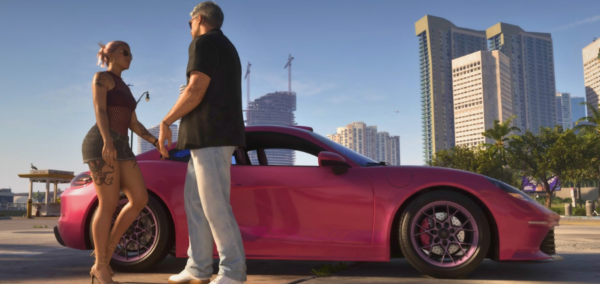
The 25 cheapest and 25 most expensive cars to register as your personal vehicle in GTA

Er, the registration cost for the Truffade Thrax is $100,000
Five staged moments and editing errors have spoiled the idea of the I’m A Celeb 2026 camp
I can’t watch the show in the same way now
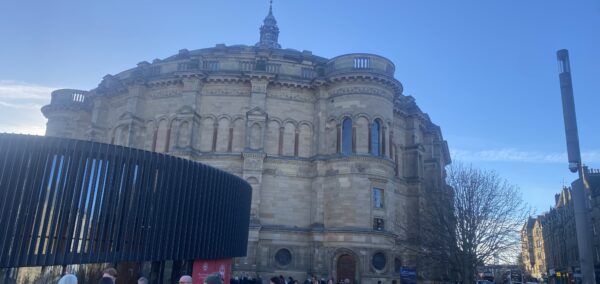
University of Edinburgh students walk out of graduation to call for divestment
Students from the School of Geoscience walk out of Winter graduation ceremony for third year in a row
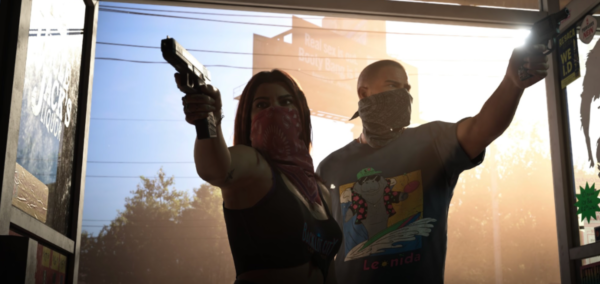
GTA 6 has three strip clubs to visit, and here’s where to find every single one
Some have unlock requirements
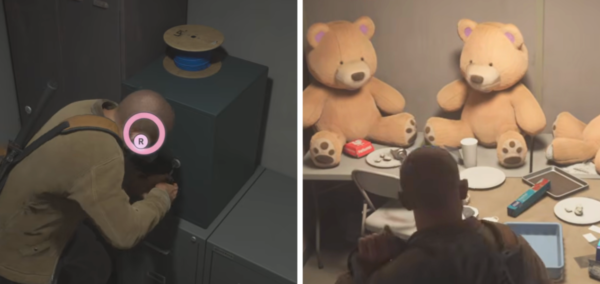
GTA 6’s unlimited money glitch is solving everyone’s shopping problems, and it’s so easy to do
Now I can afford all of the crop tops for Lucia
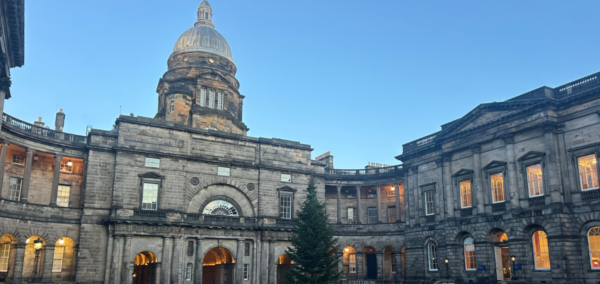
Leading recruiter estimates University of Edinburgh loss of £16 million in fees from Thai students
Head of the Scottish Alumni Association of Thailand claims the university has lost out on more than £2 million a year since 2018